
- Every time you browse the internet, your device sends data through your internet service provider before it reaches its destination.
- This process exposes information about your online activity to your ISP and network operators. It can also expose data to third parties monitoring the connection. This includes the sites you visit, your searches, and sometimes the content you consume.
- This is the normal, invisible architecture of the internet.
- Most users never think about it until something makes them notice it.
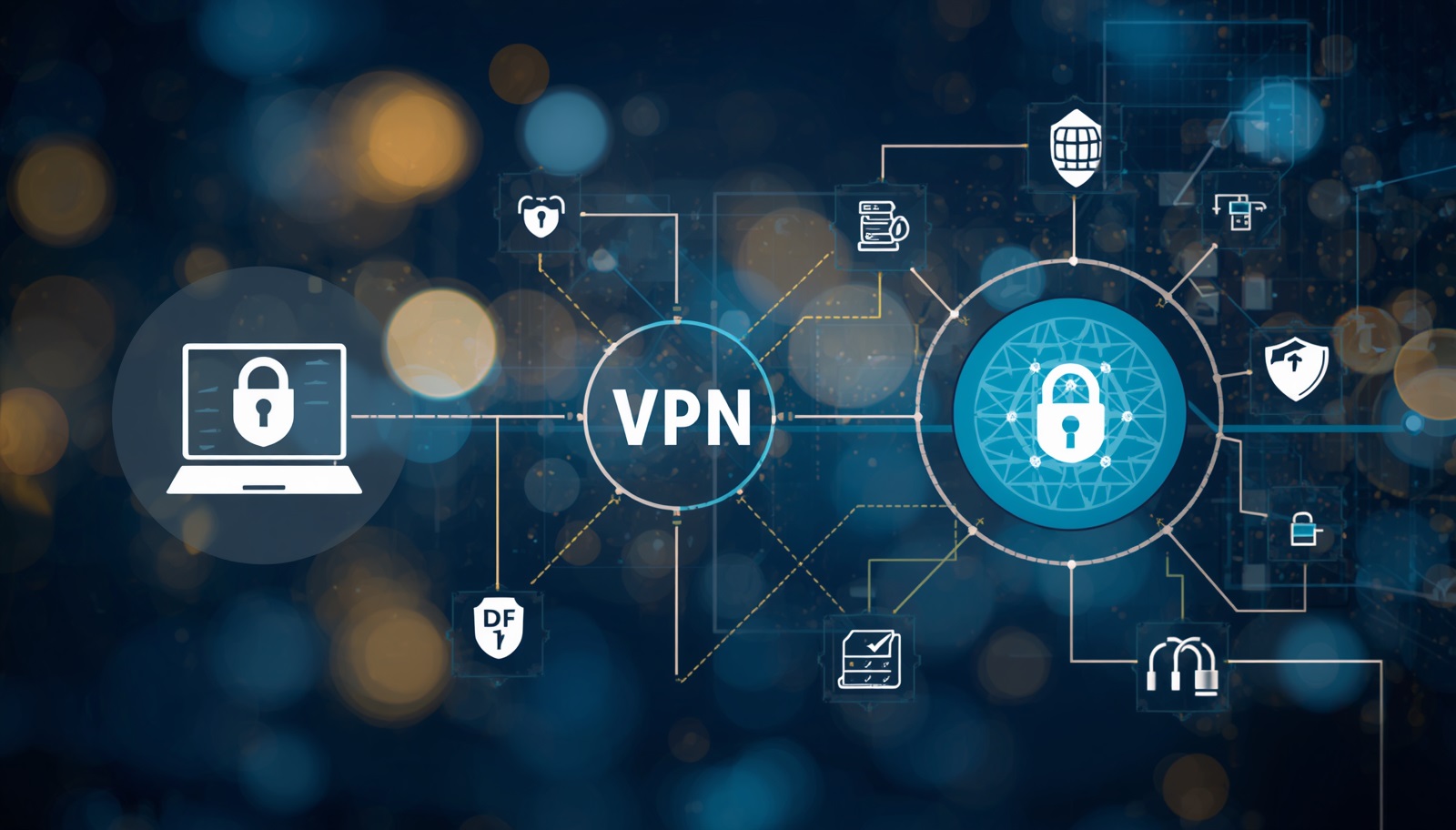
A Virtual Private Network (VPN) changes this by creating an encrypted tunnel between your device and a secure server operated by the VPN provider. All your internet traffic passes through this secure tunnel before it reaches the wider web. Your ISP can see that you are connected to a VPN server, but it cannot see what you are doing online.
The practice has grown significantly in recent years. Today, millions of people use a trusted VPN as a standard part of how they connect online. They use it like a password manager or two-factor authentication. It is now seen as a basic layer of digital hygiene rather than a specialist tool.
This guide explains how VPN technology works and what it actually protects you from. It also covers its realistic limitations. Understanding both sides is the only way to make an informed decision about whether and how to use one.
How a VPN Works: The Technical Picture in Plain English
When you connect to the internet without a VPN, your device sends requests directly to websites and services. These requests pass through your ISP’s servers. Each request includes your real IP address. This is a numerical identifier linked to your internet service provider. It can reveal your approximate location. Every site you visit can see this address. Your ISP can also see every request you make.
A VPN intercepts this process. When you activate it, your device first connects to one of the VPN provider’s servers — typically one you choose from a list of locations around the world.From that point, your device encrypts all outgoing data before it leaves. The VPN tunnel then carries the encrypted data to the VPN server. The server finally forwards it to the intended destination. The website or service at the other end sees the VPN server’s IP address, not yours. Your ISP sees the encrypted connection to the VPN server but cannot read the contents.
Modern consumer VPNs typically use AES-256 encryption.
Governments and financial institutions widely trust this standard.
It protects sensitive data.
- When combined with secure protocols such as WireGuard or OpenVPN, it creates a highly secure connection.
- The data becomes effectively unreadable to anyone intercepting it.
- This applies between your device and the VPN server.
What a VPN Actually Protects You From
Understanding the genuine protections a VPN provides means clearly separating what the technology actually does from what marketing claims suggest. VPNs are genuinely useful tools for specific purposes. They are not, however, a solution to every online privacy or security problem.
Public WiFi Security
The clearest and most universally applicable use case is public WiFi. When you connect to an unencrypted network in a coffee shop, hotel, airport, or anywhere else, your traffic is potentially visible to anyone else on the same network using basic packet-sniffing tools. A VPN encrypts everything before it leaves your device, making your activity unreadable on that shared network regardless of the network’s own security configuration. This is the scenario where a VPN provides the most straightforward, unambiguous protection.
ISP Tracking and Data Brokering
Internet service providers in many countries are permitted to log browsing data and, in some jurisdictions, to sell aggregated data to third parties. In the United States, the FCC’s 2017 repeal of broadband privacy rules confirmed that ISPs could legally sell certain types of customer data. A VPN prevents your ISP from seeing the content of your browsing — they can see you are using a VPN, but not what you are doing through it.
Accessing Geo-Restricted Content
Streaming platforms, news sites, and other online services frequently restrict their content libraries based on the country from which you are connecting. Because a VPN routes your connection through a server in a location of your choosing, it allows you to appear to be connecting from a different country. This is widely used to access streaming content — a user in the UK connecting through a US server will be presented with the US version of a service’s content library, and vice versa. Services like Netflix, BBC iPlayer, and others are aware of this and apply varying levels of VPN detection to their platforms.
Protection on Untrusted Networks While Travelling
Travellers connecting through networks in unfamiliar countries face a specific version of the public WiFi risk combined with uncertainty about the legal and regulatory environment of the networks they are using. A VPN provides consistent protection in all these scenarios. It encrypts the connection between your device and the VPN server at all times. This remains true regardless of what happens on the local network
What a VPN Does Not Do: Important Limitations
A VPN is a tool with specific capabilities — it is not a comprehensive privacy solution, and being clear about its limitations is important for using it appropriately.
- It does not make you anonymous: A VPN hides your activity from your ISP and obscures your IP address from the sites you visit. But the VPN provider itself can see your traffic if they choose to, and activity while logged into accounts — Google, Facebook, your email — is still traceable back to you through those accounts regardless of VPN use.
- It does not protect against malware: A VPN encrypts the connection between your device and the VPN server. It does not scan downloaded files, block malicious websites by default, or prevent viruses from executing if you install them. Separate security software is required for these functions, though some VPN providers have begun offering basic malware-blocking features as additions to their core service.
- It does not prevent all forms of tracking: Browser fingerprinting — the technique of identifying users by the unique combination of browser settings, fonts, screen resolution, and other characteristics — operates independently of IP address and is not affected by VPN use. Cookies set before connecting to a VPN persist across the connection change.
- Speed reduction is real: Routing all traffic through an additional server adds latency and can reduce connection speeds. The impact varies significantly between providers, with well-resourced services on fast protocols like WireGuard often delivering speeds within 10–20% of the base connection, while lower-quality services can reduce speeds by 50% or more.
What to Look For When Choosing a VPN
The VPN market is crowded. It includes well-established providers like NordVPN, ExpressVPN, and Mullvad, along with many smaller operators that receive less scrutiny.
Not all VPN services provide the same level of trust or technical quality. Some focus strongly on privacy and security, while others fall short in key areas.
A few important factors separate reliable VPNs from those that only appear to offer privacy without delivering real protection.
- No-logs policy, independently audited: A genuine no-logs policy means the provider does not store records of your activity that could be subpoenaed, hacked, or sold. The distinction between a policy that is claimed and one that has been independently verified by a third-party audit is significant. Several major providers have undergone public audits of their logging practices.
- Jurisdiction: The country in which a VPN provider is incorporated determines which legal frameworks apply to it. Providers based in countries outside of major intelligence-sharing alliances — the Five Eyes (US, UK, Canada, Australia, New Zealand) and their extensions — face different legal obligations regarding data retention and disclosure.
- Open-source or audited clients: VPN applications that are open-source or have been independently audited give users and security researchers the ability to verify that the software behaves as claimed.
- Kill switch: A kill switch cuts your internet connection automatically if the VPN drops unexpectedly, preventing your real IP address from being exposed during a connection interruption.
- Protocol support: WireGuard has become the performance benchmark for modern VPN protocols — fast, lightweight, and with a significantly smaller code base than older alternatives, which reduces its attack surface. Most reputable providers now support it alongside OpenVPN for compatibility.
A Note on Free VPNs
Free VPN services present a specific problem: the infrastructure required to operate a VPN service at scale is expensive. When a service is offered for free, it is important to understand how it is funded. In many cases, free VPN applications log and sell user data, which directly undermines the privacy users are trying to protect.
Some providers also inject advertisements into browsing sessions, which disrupts the user experience. Others even use users’ bandwidth by operating their devices as proxies.
This does not mean all free VPN options are untrustworthy — some providers offer genuinely useful free tiers with honest limitations on bandwidth or server access. But it does mean that the same scrutiny applied to any VPN — audit history, jurisdiction, logging policy, ownership structure — is, if anything, more important when no money changes hands and the business model is less transparent.
The Bottom Line
A VPN is a useful, practical tool for a specific set of online privacy and security scenarios. It is particularly valuable on public and untrusted WiFi, for users in countries where ISP data collection or content restriction is a concern, and for accessing geo-restricted content. It is not a complete privacy solution, does not provide anonymity, and does not replace other security practices.
The value a VPN provides depends mainly on the trustworthiness of the provider. The technology itself is reliable. The real difference lies in how each service handles user privacy.
A provider with a verifiable no-logs policy offers a stronger foundation for trust. Independent audits also help confirm these claims. A transparent business model adds further confidence.
Speed, server coverage, and app features matter, but they come second. The key question is simple: does the provider truly keep your data private?
 CEO Asif